


Metrolist APK
MO AGAMY
- Version
- 13.7.0
- Size
- 28.5 MB
- Android
- 8.0+
- Category
- Music
Screenshots
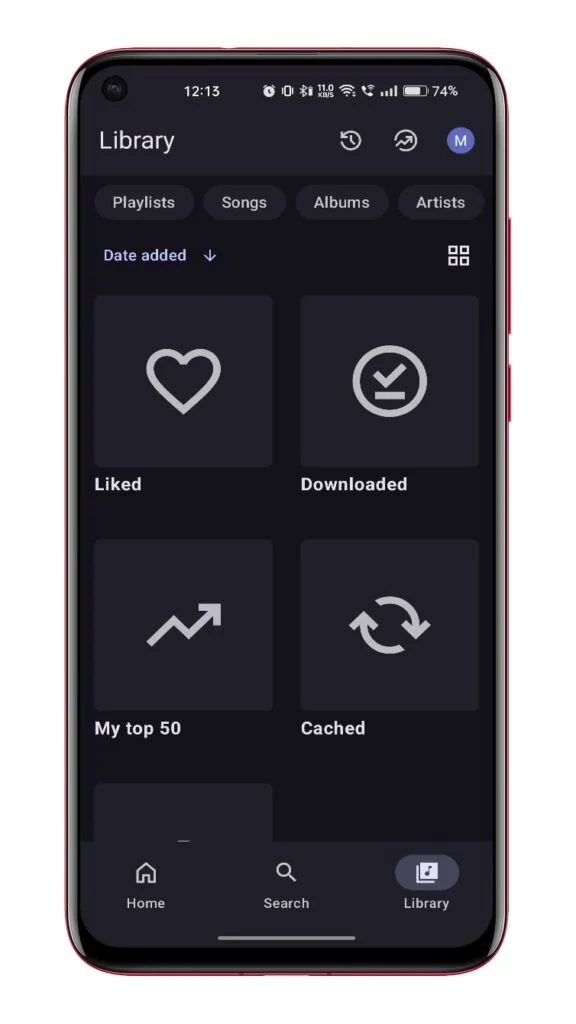
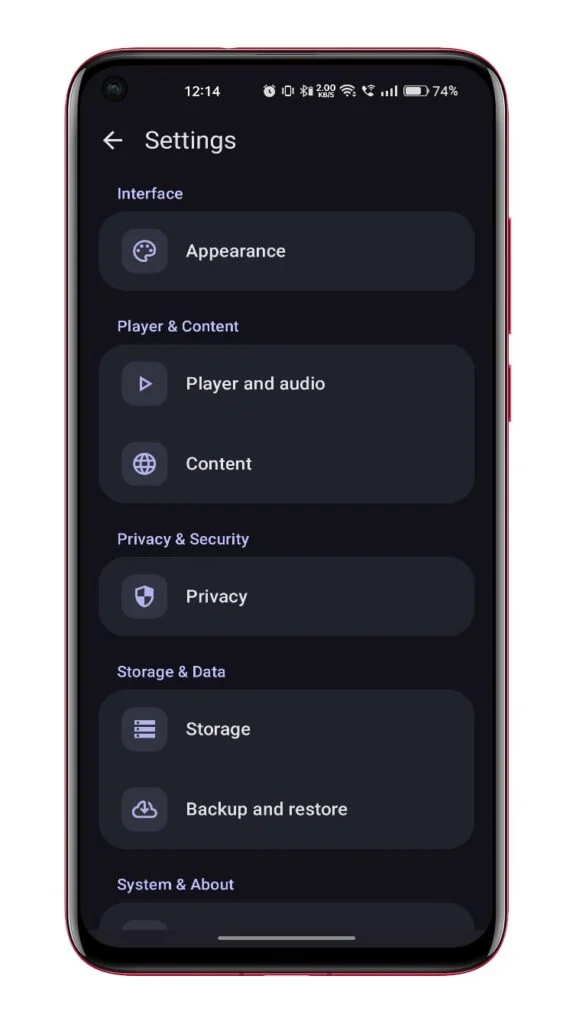
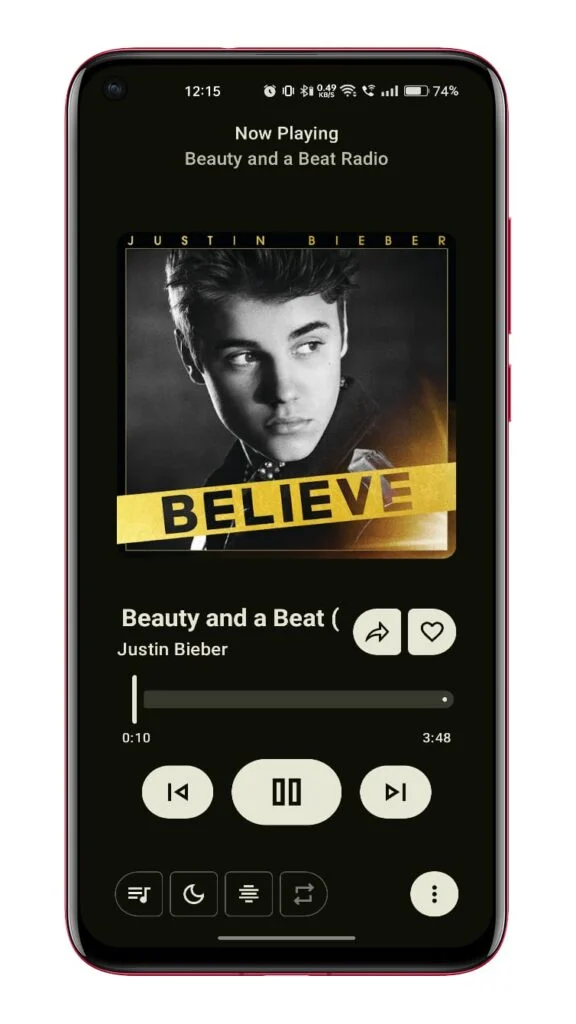
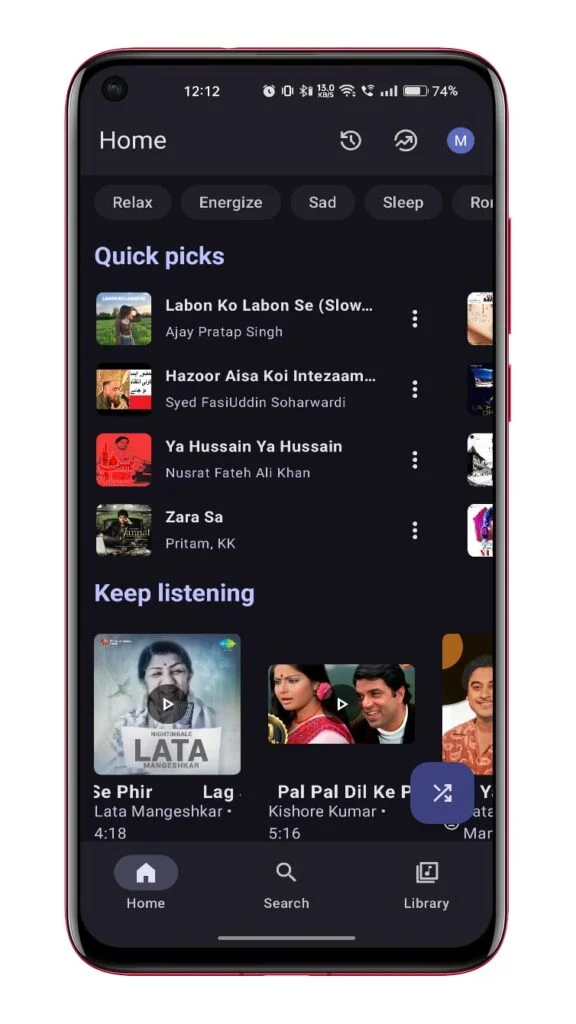
What's new
Version 13.7.0 is the newest build on APKBlade, updated 24 October 2026.
Enjoy music on Android with no ads, offline downloads, and customizable themes. Perfect for music lovers!
Discover Metrolist: The Ultimate Music Experience for Android
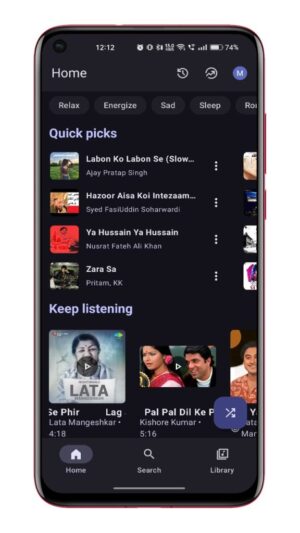
If you love listening to music and are always on the lookout for a fantastic app to enhance your music experience, then Metrolist APK is just what you need! Metrolist is a YouTube Music client for Android that offers a seamless and enjoyable music experience.
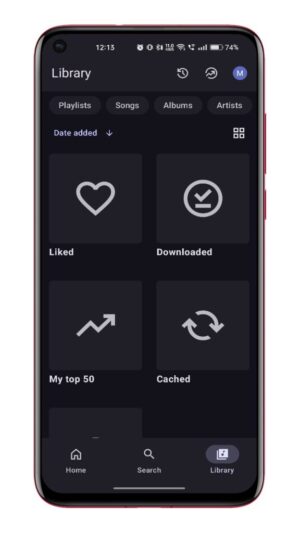
It’s like having a magic music box in your pocket! With Metrolist, you can play any song or video from YouTube Music, and it comes packed with amazing features that will make your music listening sessions even better.
Features That Make Metrolist Stand Out
Metrolist is not just any ordinary music app. It is designed to give you the best possible music experience with its unique features:
- Background Playback: You can listen to your favorite tunes even when you’re using other apps or when your screen is off. This means you can enjoy your music while playing games or browsing the internet without any interruptions.
- Offline Downloads: Save your favorite songs and playlists to your device so you can listen to them anytime, even without an internet connection. Perfect for when you’re on a road trip or in an area with no Wi-Fi.
- Live Lyrics: Sing along with your favorite songs with the live lyrics feature. It’s like having a karaoke machine in your pocket!
- No Ads: Enjoy uninterrupted music without those pesky ads popping up. Just pure music bliss.
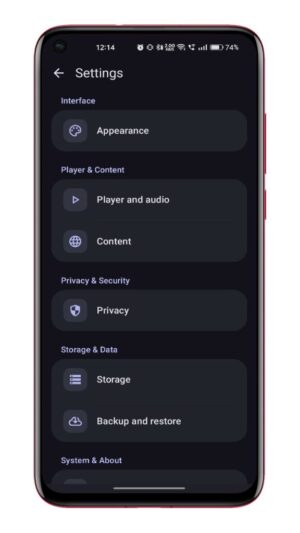
- Customizable Themes: Personalize your app with different themes to suit your mood. Whether you like it bright and colorful or dark and moody, Metrolist has got you covered.
How to Download and Install Metrolist APK
Downloading and installing Metrolist APK on your Android device is super easy. Just follow these simple steps:
- Download the APK: Click on the download button provided to download the Metrolist APK file directly to your device. Make sure you have enough storage space available.
- Enable Unknown Sources: Before installing, go to your device’s settings and enable the installation of apps from unknown sources. This is necessary because Metrolist is not available on the Google Play Store.
- Install the APK: Locate the downloaded APK file in your device’s file manager and tap on it to start the installation process. Follow the on-screen instructions to complete the installation.
- Open and Enjoy: Once installed, open the Metrolist app and start exploring its amazing features. Create playlists, download songs, and enjoy your personalized music experience.
Why Choose Metrolist Over Other Music Apps?
There are plenty of music apps out there, but Metrolist offers something unique. It combines the vast library of YouTube Music with features that enhance your listening experience. Unlike other apps, Metrolist allows you to play music in the background and download songs for offline listening without any annoying ads. Plus, the live lyrics feature is perfect for those who love to sing along.
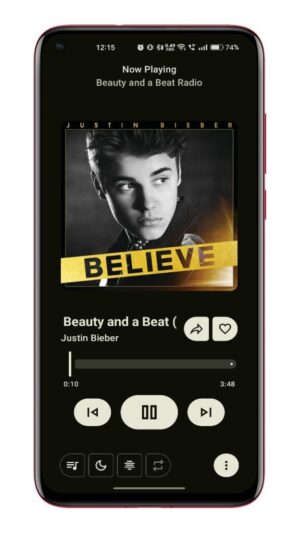
Metrolist also stands out because of its user-friendly interface and customizable themes. You can easily navigate through the app and find the music you love without any hassle. The app is constantly updated to ensure you have the best experience possible.
Upcoming Features in the New Kotlin Multiplatform Version
The Metrolist team is always working hard to improve the app and bring new features to its users. The new Kotlin Multiplatform version of Metrolist is in the works and is expected to be released soon. This update promises to bring even more exciting features and improvements to enhance your music experience.
With Kotlin Multiplatform, Metrolist will be faster and more efficient, providing a smoother and more enjoyable user experience. Keep an eye out for this update, as it will take your music listening to the next level.
Troubleshooting Common Issues
While Metrolist is designed to be user-friendly and reliable, you might encounter some issues from time to time. Here are a few common problems and how to fix them:
- App Not Installing: If you’re having trouble installing the app, make sure you’ve enabled the installation from unknown sources in your device settings. Also, check if you have enough storage space available.
- Playback Issues: If the music stops playing unexpectedly, try restarting the app or your device. Ensure that your internet connection is stable for streaming.
- Lyrics Not Displaying: If live lyrics are not showing up, check if the feature is enabled in the app settings. Some songs may not have lyrics available.
If you continue to experience issues, you can always reach out to the Metrolist support team for assistance.
Conclusion
Metrolist APK is a must-have app for anyone who loves music. With its incredible features like background playback, offline downloads, live lyrics, and no ads, it offers a superior music experience on Android devices. Plus, the upcoming Kotlin Multiplatform version promises even more enhancements.
So why wait? Download the Metrolist APK now and dive into a world of music like never before. Whether you’re at home, on the go, or anywhere in between, Metrolist is your perfect music companion. Enjoy the tunes, sing along, and let the music take you on a journey!
More About Metrolist
| Name | Metrolist |
|---|---|
| Package Name | com.metrolist.music |
| Category | Music |
| Version | 13.7.0 |
| Size | 28.5 MB |
| Requires Android | 8.0 and up |
| Developer | MO AGAMY |
| Last Updated | 24 October 2026 |
How to Install Metrolist
- Tap the download button and let the file finish.
- Open the file from your notifications or the Downloads folder.
- If Android asks, allow your browser to install unknown apps.
- Tap Install, then open the app.
FAQ'S
How to install Metrolist on android phone?
Once you've downloaded the APK file, click on the downloaded file, then hit the "Install" button.
I am getting Play Protect warning while installing!
Some mod APK files might get a warning. You can ignore this warning and install the APK file. Follow these simple steps to turn off Play Protect: Open Google Play app > Click Profile Icon > Select Play Protect -> Setting > Turn off both "Scan apps with Play Protect" and "Improve harmful app detection" options.
How to update APK without losing the data?
To update APK without losing the data, you don't need to follow anything extra. Click on the downloaded APK file and click the "Install" button. The app will update automatically without loss of data.
How to fix problems while installing/opening?
Make sure you have downloaded the file correctly. The downloaded file extension must end with .apk file. If you face any package install error, redownloading the file may fix the issue.















Ratings and reviews
There are no reviews yet. Be the first one to write one.